Be Visible to Customers Searching Near You
When people nearby search for services like “best salon near me” or “website designer near me,” businesses listed on Google Maps show up first — often leading to direct visits or calls.
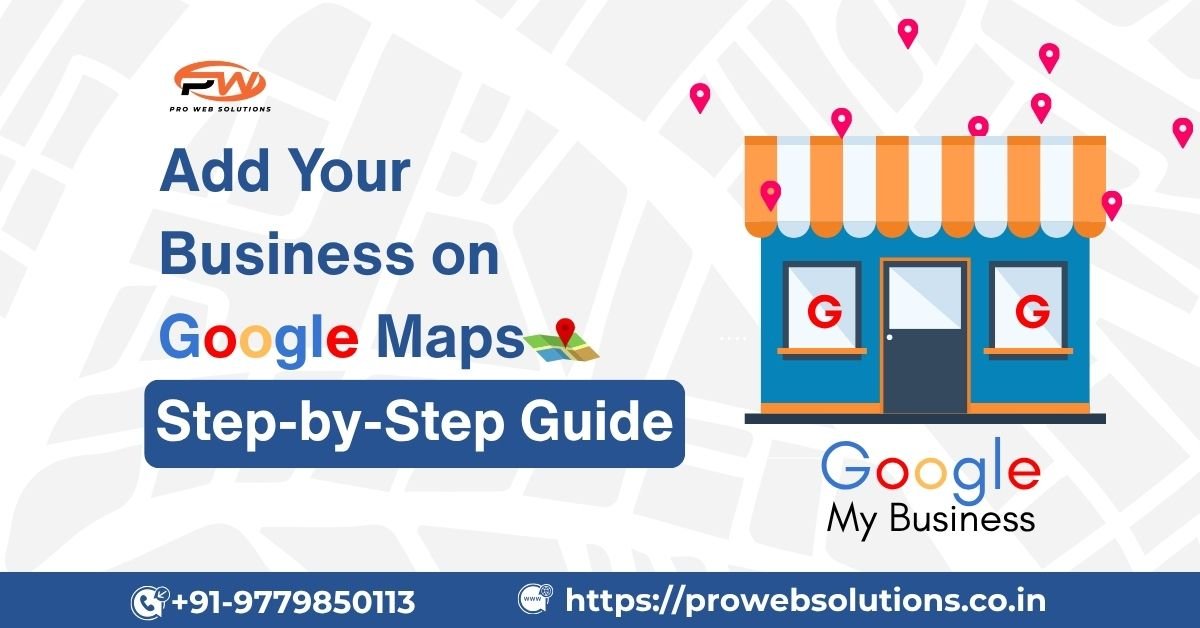
If your business isn’t there yet, you’re missing out on potential customers every single day. The good news? Adding your business to Google Maps is simple, free, and can be done in minutes. Let’s guide you step-by-step.
Step-by-Step Guide to Add Your Business on Google Maps
Step 1: Go to Google Business Profile
Visit the official Google Business Profile page and click “Manage now.”
This tool allows you to add, verify, and manage your business listing on Google Maps and Google Search.
Step 2: Sign In with Your Google Account
Use your existing Gmail ID, or create a new one dedicated to your business. This email helps you manage all your business updates, reviews, and messages.
Step 3: Add Business Name & Category
Enter your exact business name (avoid unnecessary keywords).
Then select a category that matches your service — for example:
- Website Design Company
- Restaurant
- Digital Marketing Agency
- Beauty Salon
This helps Google understand what type of customers to show your business to.
Step 4: Add Location and Contact Details
If you have a physical store, drop the pin on Google Maps to show your location.
Add:
- Full Address
- Phone Number
- Website Link
- Business Hours
If you provide home or on-site services, choose “I deliver goods and services to my customers.”
Step 5: Verify Your Business
Google will send a verification code by postcard, phone, or email.
Once you receive it, enter it into your Business Profile dashboard.
Verification confirms you’re the owner and allows your listing to appear publicly on Google Maps.
Step 6: Optimize Your Business Profile
After verification, don’t stop there — optimize your GMB for better visibility:
✅ Add attractive photos and your logo
✅ Write an SEO-friendly business description
✅ Keep your hours and contact info updated
✅ Reply to customer reviews
✅ Post offers and updates regularly
A well-optimized profile gets more clicks, calls, and visits.
Get Professional Help from Pro Web Solutions
If you’re not sure where to start or want a professional setup, Pro Web Solutions can help.
We specialize in creating, verifying, and optimizing Google My Business (GMB) profiles that bring real leads and customers to your door.
👉 Click here to get GMB help from Pro Web Solutions
We make sure your business stands out on Maps, ranks higher locally, and drives more engagement.
Final Thoughts
Listing your business on Google Maps is one of the easiest ways to boost visibility and attract local customers. Whether you run a shop, service, or online brand — this step connects you directly with people searching for exactly what you offer.
With expert support from Pro Web Solutions, you can turn your Google Maps profile into a steady source of customers.
📍 Start today — let your customers find you faster!
Yes, it’s 100% free to list your business on Google Maps using Google Business Profile.
Usually 24–48 hours after entering your verification code, but it may take longer if Google sends a postcard.
Yes, select the option for “service area business” if you operate remotely or offer home services.
Add photos, collect reviews, post updates, and keep your business info current. Optimization boosts your ranking in local search.